








Personal API keys
Contents
Personal API keys authenticate requests to PostHog's private GET, POST, PATCH, and DELETE endpoints. They're the right choice when you're using PostHog from your own scripts, automations, or any integration tied to your own account.
Building an app that other PostHog users will install or connect to? Use OAuth instead so users can grant your app scoped access without sharing their own keys.
Personal API keys can enable full access to your account, like logging in with your email and password. You can create multiple, give them different scopes, and each can be invalidated individually. This improves the security of your PostHog account. Personal API keys need to be kept private and shouldn't be used in the frontend.
How to obtain a personal API key
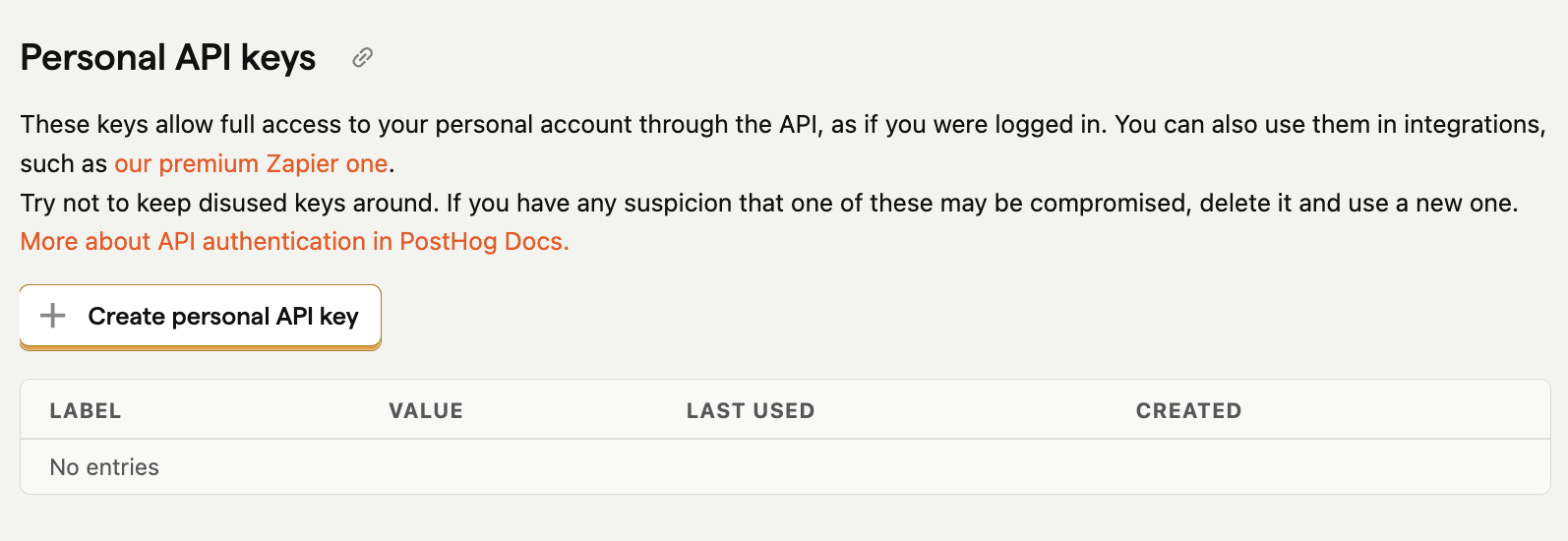
Go to the Personal API keys section in your account settings
Click + Create a personal API Key.
Give your key a label - this is just for you, usually to describe the key's purpose.
Choose the scopes for your key. We recommended selecting only the scopes required for the API endpoints you really need. This is a security best practice. You can always modify the scopes later if you need to.
At the top of the list, you should see your brand new key. Immediately copy its value, as you'll never see it again after refreshing the page.
You can create up to 10 personal API keys. Personal API keys are deleted when a user is deleted.
Rolling and upgrading legacy keys
Personal API keys created before February 2024 use legacy PBKDF2 hashing. These keys still work, but use an older, slower hashing method. They display a Legacy status tag in the keys table.
To upgrade a legacy key to the modern sha256 hashing format:
- Click on the key in the keys table to open the edit modal.
- Click Roll key in the warning banner.
- Confirm the action in the dialog.
Rolling a key generates a new key value and invalidates the old one. Update the new key value wherever the old key was used.
How to authenticate using the personal API key
There are two options:
- Use the
Authorizationheader andBearerauthentication, like so:JavaScript - Put the key in request body, like so:JavaScript
Any one of these methods works, but only the value encountered first (in the order above) will be used for authentication.